AI Boost Photo Editor
Is AI Boost Photo Editor legit?
AI Boost Photo Editor is a photo editing app run by a third-party advertiser in our network. You install it free on iOS and the app itself asks you to pay for a subscription to use its AI editing features. The catch: you have to buy the subscription for the offer to count.
How it works
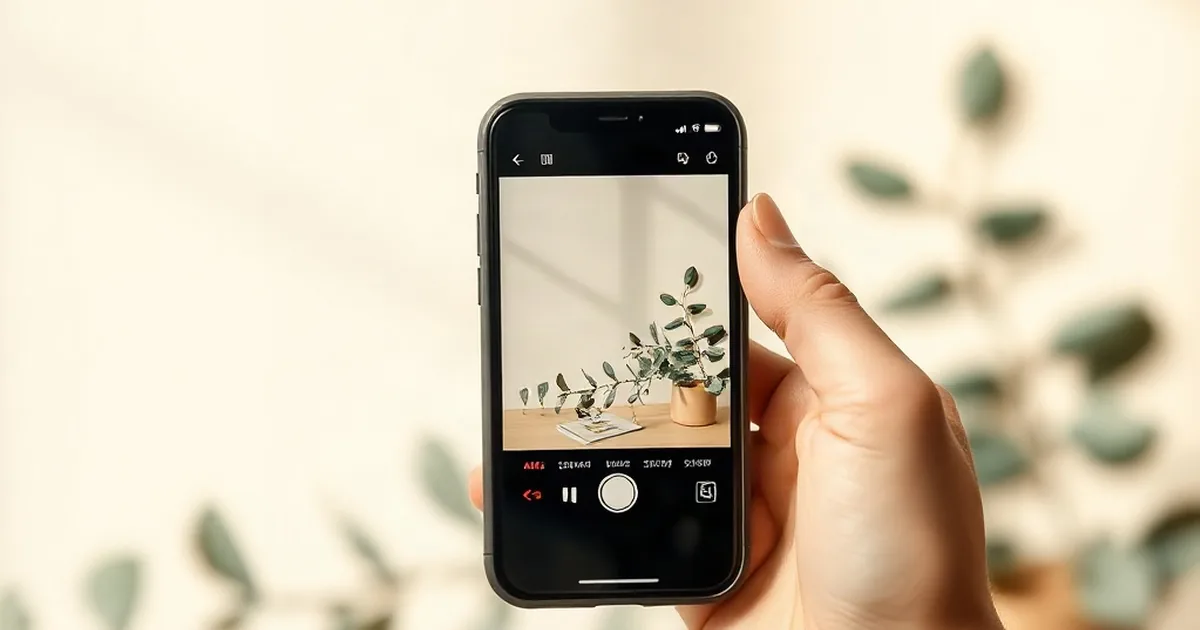
AI Boost Photo Editor is an AI-powered photo editing app for iPhone users who want to edit, customize, and enhance photos with artificial intelligence tools. The app is offered by an advertiser in our network and is not affiliated with Apple or any other brand you may see mentioned.
To enter, you find the app on the App Store through our link, tap Install, and open it on your iPhone. You will be asked to set up an account and explore the app's features. To complete the offer, you need to purchase the app's subscription plan, which gives you full access to the AI editing tools and effects.
Offers like this typically credit your account once the subscription purchase goes through, which usually takes a few days. You may receive order confirmation emails from the app's payment processor or see promotional emails about photo editing tips or AI features. If you signed up through our site, you may also hear from our network with details about your reward, depending on which reward program you chose.
Before you install, read the app's privacy policy and subscription terms on the App Store to understand what data it collects and what you will be charged. Never share your Apple ID password or credit card details with anyone outside of the official App Store. If you no longer want to use the app, you can cancel the subscription and delete the app from your iPhone settings at any time.
What the advertiser does not say
The advertiser does not state the exact subscription price, what features are included, the trial period (if any), or how long the subscription lasts (monthly, yearly, etc.).
What you need
- Location: US, Mexico, Brazil, Spain, France, Germany, or Turkey
- Device: iPhone (iOS only)
- Cost: Free to install; subscription required to complete the offer
How to sign up
- 1Open the offer page and tap the link to the App Store
- 2Tap Install and wait for AI Boost Photo Editor to download
- 3Open the app and sign up for an account
- 4Explore the app and choose a subscription plan
- 5Complete the subscription purchase through the App Store
Pros and cons
Pros
- Free to download and try the app before committing
- Uses AI technology to automate photo editing tasks
- Available to residents of seven countries
Cons
- Subscription is required; the app is not free to use long-term
- iOS only; not available for Android users
- Actual subscription cost and features are not shown in advance
AI Boost Photo Editor FAQ
Is AI Boost Photo Editor legit?
Yes, it is a real photo editing app offered by an advertiser in our network. The app is available on the official Apple App Store and you purchase the subscription through Apple's secure payment system. Like any app offer, you need to complete the subscription purchase for it to count toward your reward.
Does AI Boost Photo Editor cost anything?
The app is free to install, but it requires you to buy a subscription to access the AI editing features and complete the offer. The exact price is shown in the App Store at checkout before you confirm the purchase.
How long does it take to get credit for installing AI Boost?
Offers like this usually credit within a few days after your subscription purchase is confirmed by Apple. If credit does not appear within a week, check your reward program account or contact support through our site with your order details.
Can I cancel the subscription after I buy it?
Yes, you can cancel through your iPhone's Settings app under Subscriptions at any time. Cancellation policies vary by app, so check the App Store listing for details on refunds or if you can cancel immediately after purchase.