Arbor Energy Bill Review: Is This Free Tool Worth Your Time?
What you get
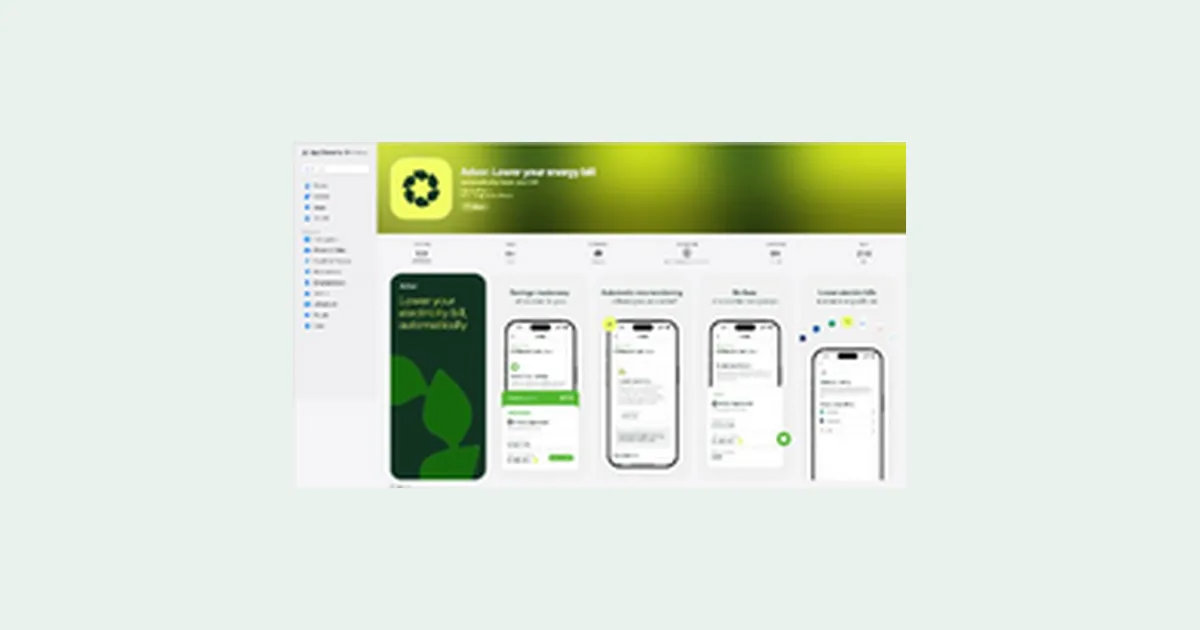
Arbor is a free tool designed to help you lower your energy bills by analyzing your usage and finding savings opportunities. We tested it to see if the signup is worth your time and what you actually get access to.
Short answer: it's legitimate, but results depend on your utility company and home setup. Read on for what to expect before you download.
What Arbor does: The app analyzes your electricity usage patterns and connects with your utility account to identify ways to reduce consumption and lower your monthly bill. It's free to sign up and use.
What we verified: Arbor is a real company operating in the US utility savings space. The tool requires you to connect your utility account securely to work. No hidden fees appear during signup, though results vary based on your location, energy company, and home type.
How to Get Started with Arbor
- 1Download the Arbor app or visit their website (free)
- 2Create an account with your email address
- 3Connect your utility account securely using your provider login
- 4The app analyzes your energy data and shows personalized savings recommendations
- 5Review suggestions and decide which changes to implement
Is Arbor Legit?
Yes. Arbor is a legitimate energy savings app that operates legally in the US. The company does not charge upfront fees to sign up or use the basic tool. The app uses standard industry security to connect with your utility account, similar to how other money management apps work.
Before you sign up, check: (1) Whether your specific utility company is supported in your state (not all utilities are covered equally), (2) That you're comfortable securely linking your utility account, and (3) Your expectations for savings (results depend heavily on your home's current efficiency and climate). There are no surprise costs hidden in the signup process.
Pros and cons
What we like
- Completely free to download and use with no hidden fees
- Provides personalized savings tips based on your actual energy data
- Secure connection to your utility account using industry-standard methods
- No credit card required to get started
What to watch
- Savings potential varies widely depending on your utility company and whether it's supported in your area
- Results are limited if your home already uses efficient appliances or practices
- Not all US utilities are integrated yet, so some users may not be able to connect their accounts
Who Arbor Is For
Arbor works best for US homeowners and renters who want a free way to identify their energy usage patterns and find practical savings opportunities. If you're already managing your energy well or live in a place with very limited energy-saving options, the app may offer less benefit. It's most useful if you've never analyzed your energy data before or are looking for specific, data-driven suggestions rather than generic tips.
Things to know
Arbor will ask permission to securely access your utility account data. You'll receive app notifications about your energy usage and savings opportunities. Standard privacy and terms apply; review Arbor's privacy policy before connecting your account. This is not an affiliate promotion and Arbor is not paying us to recommend it.
Questions
How do I lower my energy bill?
Common methods include adjusting your thermostat, upgrading to efficient appliances, sealing air leaks, and adjusting your water heater temperature. Arbor identifies which of these apply to your specific usage patterns by analyzing your energy data, so you don't waste time on changes that won't help you.
Does Arbor really lower your energy bill?
Arbor identifies opportunities to lower your bill, but you have to take action on the recommendations. The actual savings depend on which suggestions you implement and whether your utility company supports the changes. Some users see small reductions, others see more significant drops depending on their situation.
Is connecting my utility account to Arbor safe?
Yes, Arbor uses secure encryption to connect to your utility account, similar to how banks and other financial apps work. You're not handing over your password; Arbor uses a secure authorization method. That said, always review any app's privacy policy before connecting personal accounts.
How to lower energy bills in summer or winter?
In summer, cooling costs are usually highest; Arbor may suggest raising your thermostat slightly or running AC during off-peak hours if your utility offers that option. In winter, heating dominates; recommendations might include lowering your thermostat and using a programmable temperature schedule. Arbor shows which strategies apply to your climate and actual usage.
Is Arbor a scam?
No. Arbor is a legitimate company that doesn't charge upfront fees or ask for credit card information during signup. The main risk is expecting unrealistic savings or finding your utility company isn't supported. Check reviews specific to your utility company and state before signing up to set realistic expectations.