BePrivateVPN App Install
Is BePrivateVPN legit?
BePrivateVPN is a marketing offer run by a third-party advertiser in our network, not affiliated with any VPN company by that name. You install the app to enter.
How it works
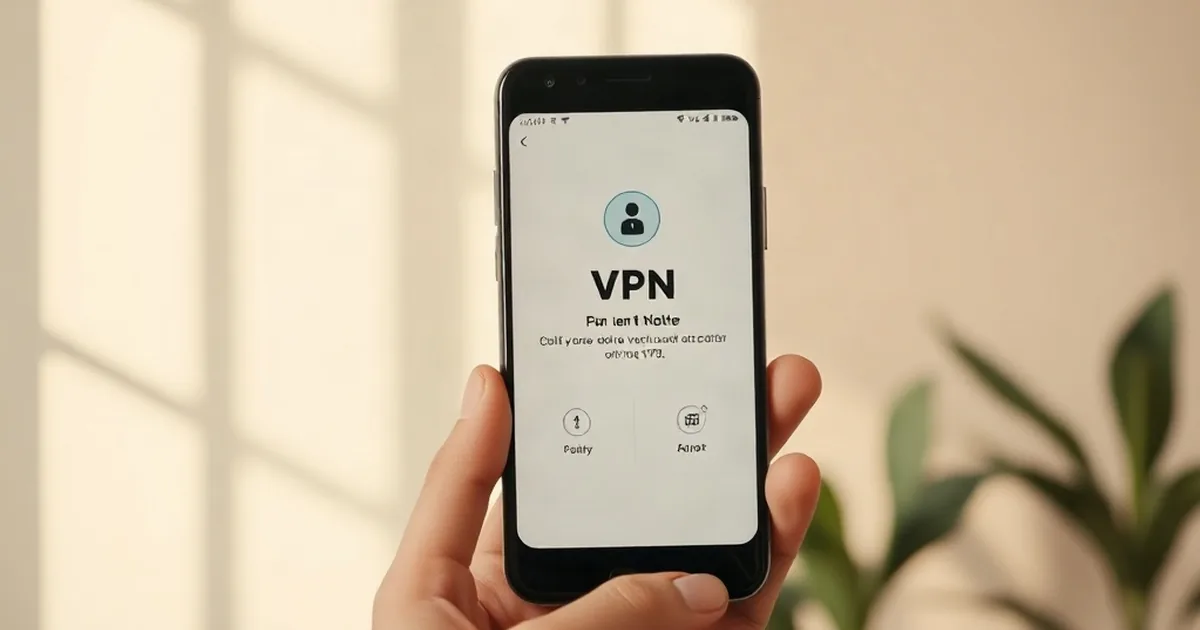
BePrivateVPN is an app-install offer run by an advertiser in our network. Offers like this are part of reward programs where you complete small tasks,in this case, installing a mobile app,to earn entry into a prize drawing or rewards pool. The app itself is a VPN (virtual private network) tool. This particular offer is only open to users in the United States.
To sign up, you visit the offer's landing page, review what the app does and what the advertiser asks for, then tap or click to install BePrivateVPN on your phone or tablet. After installation, you typically need to open the app at least once for the entry to register. Offers like this usually track the install automatically, so you should see a confirmation on the page or in your email shortly after. The app may ask you to create an account, agree to its terms of service, or allow certain permissions on your device,read these carefully before proceeding.
After you complete the install, the advertiser's system records your entry into their promotion. You may receive emails from the advertiser about the app, updates, or promotions. You may also receive offers from other advertisers in the network, depending on the program's terms. Check your email settings to see if you can manage how often you hear from them.
Before you install, check whether the app's official terms and privacy policy are linked on the entry page, and read them. Never share payment information, passwords, or Social Security numbers with any app installer or marketer. The app itself will ask for certain phone permissions (like location or contacts),you can refuse these without affecting your entry. If you decide you no longer want the app, uninstall it anytime. To stop receiving emails, look for an unsubscribe link in any message you receive, or contact the advertiser directly through the app or the sign-up page.
What the advertiser does not say
The advertiser does not state what prize is offered, the odds of winning, the draw date, or how long after install your entry counts.
What you need
- Location: US only
- Device: iPhone or Android
- Cost: Check the sign-up page before you start
How to sign up
- 1Visit the BePrivateVPN offer page
- 2Read the app description and permissions required
- 3Tap the install button for your device
- 4Open the app after it finishes installing
- 5Wait for entry confirmation via email
Pros and cons
Pros
- Free to install and try the app
- US-based offer with straightforward entry
- Entry recorded automatically after install and opening the app
Cons
- No prize, odds, or draw details are disclosed upfront
- The app will request device permissions you may not want to grant
- You may receive marketing emails from the advertiser and partner offers
BePrivateVPN FAQ
Is BePrivateVPN legit?
This is a real offer run by a third-party advertiser in our network. The install is tracked automatically, and you should receive confirmation. Always read the app's terms and privacy policy before installing, and check the official rules on the entry page if they are linked.
Does BePrivateVPN cost anything?
The app itself is free to install. However, it may offer in-app purchases or a paid subscription after you download it. Check the app's listing on your device's app store to see pricing details before you tap install.
What happens after I install the app?
Your entry is recorded automatically when you open the app. You should receive a confirmation email from the advertiser.
Can I uninstall the app after I enter?
Yes. Your entry is counted once you install and open the app, so uninstalling later does not affect your participation in the drawing. You can manage app permissions or remove it from your device anytime.