Charity Engine: Install & Share Computing Power
Is Charity Engine legit?
Charity Engine is run by its sponsor to let your Windows PC contribute computing power to a shared network that funds charities like Oxfam and CARE. You install the app, and it runs in the background. The catch: Windows desktop only (version 10+), and the app will use your computer's idle processing capacity.
How it works
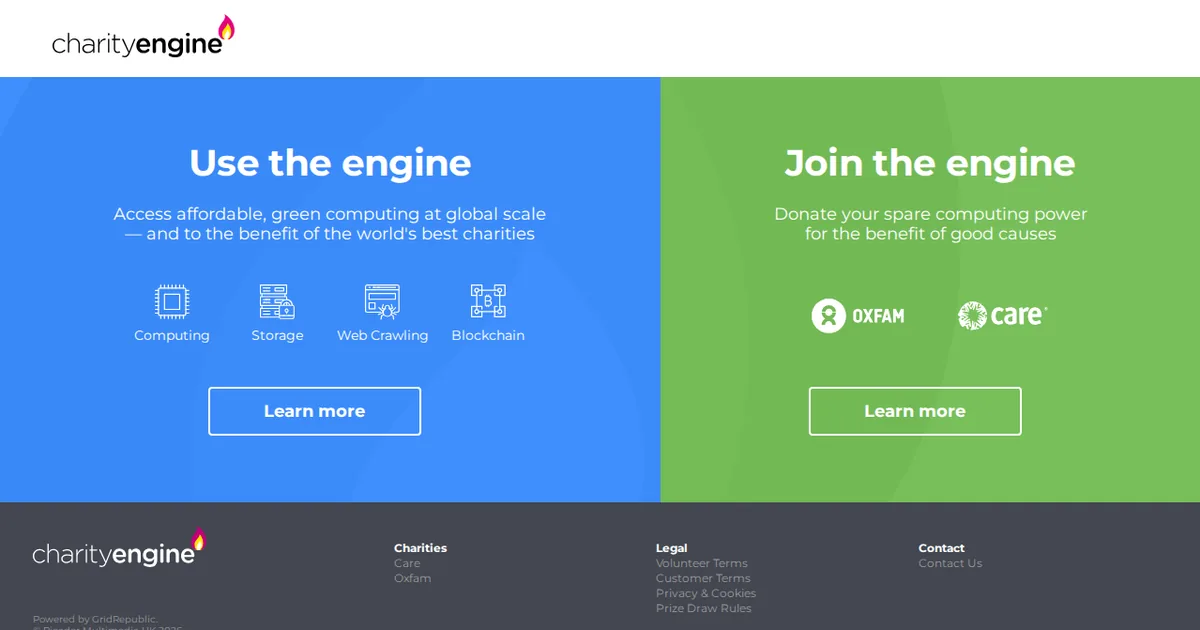
Charity Engine is a downloadable app for Windows computers that turns your PC's unused processing power into donations for nonprofits. The sponsor runs this as a way to fund global charities and scientific research while giving users a chance to win prizes. Over 8.5 million people have downloaded it, and it has been covered by BBC News.
To sign up, you visit the entry page, download the Charity Engine app to your Windows computer (version 10 or higher), and install it. Once installed, you open the app and register an account. The app then runs in the background on your computer, using spare computing capacity when your PC would otherwise be idle. Offers like this typically count the entry once you complete the install and registration.
After you finish, your PC joins the cloud computing network. The app works silently in the background; you don't have to do anything else. Profits from the computing work are shared with charities, and registered volunteers enter a prize drawing. Typically, apps like this may send you occasional emails about your participation or updates on charities your computing has helped.
Before you install, check the official terms on the entry page to understand how your computer's resources will be used and what data the app collects. Never share your password or financial details with the app or anyone claiming to represent it. If you change your mind, you can uninstall the app at any time. Make sure your Windows version meets the requirement (10 or up) before downloading.
What the advertiser does not say
The advertiser does not state the prize amounts, odds of winning the drawing, or when the draw takes place.
What you need
- Location: US only
- Device: Windows 10 or higher
- What you share: Computer registration and account details
- Cost: Check the sign-up page before you start
How to sign up
- 1Visit the Charity Engine entry page
- 2Download the app to your Windows computer
- 3Install the app
- 4Open the app and register an account
- 5Allow it to run in the background
Pros and cons
Pros
- Large, established user base of 8.5M+ downloads with media coverage (BBC News)
- Your computer's idle time supports real charities like Oxfam and CARE plus scientific research
- No cost to download or use; passive participation requires no daily action
Cons
- Windows desktop only; does not work on Mac, Linux, or mobile devices
- Uses your computer's processing power and electricity, which may increase power consumption
Charity Engine FAQ
Is Charity Engine legit?
Yes. It has over 8.5 million downloads and has been covered by BBC News. The app is run by Charity Engine to direct computing profits to established nonprofits like Oxfam and CARE. Always verify by checking the official entry page before installing.
What does Charity Engine cost?
The app is free to download and use. However, it will use your Windows computer's processing power and electricity while running in the background, which may slightly increase your power bill over time.
How does Charity Engine work?
Once installed and registered on your Windows PC, the app runs silently in the background, using your computer's spare processing capacity for cloud computing tasks. The profits from this computing work are shared with charities and scientific research, and registered users enter a drawing for prizes.
Is Charity Engine available for Mac or mobile?
No. Charity Engine works on Windows 10 and higher only. It is not available for Mac, Linux, or mobile devices.
What happens after I install Charity Engine?
The app runs in the background on your computer whenever you use it. You don't need to do anything else after installation. Typically, apps like this send occasional emails about your participation or charity impact. Your account remains in the prize drawing for as long as the app is installed.